
User's Manual






9.General Settings
This Chapter mainly introduces some general settings.
9.1.System Setting
9.1.1.Language Setting
"Language Setting" is used to select the language to be displayed on the control panel.
1)Press "Menu" to enter the Menu Settings interface.
2)Press "OK" to select the "1.System Setting" option.
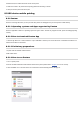
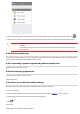
3) Press “OK” key to select “1.Language Set” option to set language, as shown in the below figure:
9.1.2.Sleep Time Setting
Sleep mode can reduce the energy consumption of printer effectively, and “Sleep time setting” can be made in the idle time before the device enters sleep mode.
1)Press "Menu" to enter the Menu Settings interface.
2)Press "OK" to select the "1.System Setting" option.
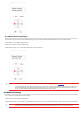
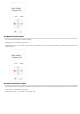
3UHVVGLUHFWLRQNH\³Ÿ´RU³ź´WRVHOHFW³6OHHSWLPH6HW´RSWLRQDQGSUHVV³2.´NH\WRVHWWKHFRUUHVSRQGLQJVOHHSWLPH