
User's Guide


92
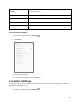
Encryption & credentials
Encrypt all data on your tablet, display trusted CA certificates, view and
modify stored credentials, install certificates from storage, remove all
certificates, etc.
Trust agents
Set trust agents.
Screen pinning
Keep the current screen in view until you unpin.
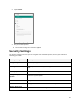
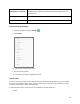
Access Security Settings
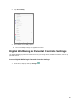
1. From home, swipe up and tap Settings .
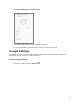
2. Tap Security.
The Security settings menu opens.
3. Set your security options.
Your security settings are applied and saved.
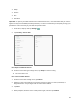
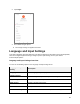
Screen Lock
You can increase the security of your tablet by creating a screen lock. When enabled, you have to draw
the correct unlock pattern on the screen, enter the correct PIN, or enter the correct password to unlock
the tablet’s control keys, buttons, and touchscreen.
In order from least secure to most secure, the available screen lock options are:
● None