
User's Guide


91
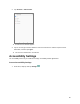
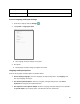
2. Tap Location.
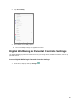
3. Set your location options.
Your location settings are saved and applied.
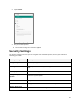
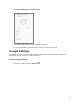
Security Settings
The Security settings menus let you set encryption and credentials options, and set your method for
unlocking your tablet.
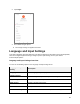
Security Setting
Description
Google Play Protect
Checks your apps and device for harmful behavior.
Find My Device
Locate your device remotely and keep your data safe if the device is
lost.
Security update
Check for security update.
Google Play system
update
Check for system update.
Screen lock
Set your screen lock.
Smart Lock
Keep your device unlocked when it’s safe with you.
Device admin apps
View or turn off device admin app.