
User's Guide


90
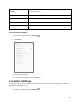
Autofill service from
Google
Autofill in passwords, addresses, credit cards, and other info saved to
your Google Account.
Google location history
Saves where you go with your device.
Activity controls
Choose the activities and info you allow Google to save.
Ads
Reset advertising ID and set Opt out of Ads Personalization options.
Usage & diagnostics
Share data to help improve your Android experience.
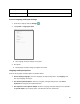
Access Privacy Settings
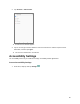
1. From home, swipe up and tap Settings .
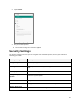
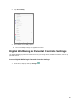
2. Tap Privacy.
3. Set your privacy options.
Your privacy settings are saved and applied.
Location Settings
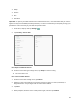
The location settings menu lets you enable location service, view recent location requests, set Wi-Fi and
Bluetooth scanning options, etc.
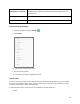
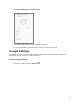
1. From home, swipe up and tap Settings .