
User's Guide

88
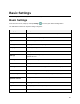
Sound Setting
Description
Volume
Set volume for ringtones, alarms, system features, etc.
Do Not Disturb
Enable Do Not Disturb to mute notification sound, etc.
Default notification sound
Set a default tone for tablet notifications.
Default alarm sound
Set a default tone for alarm.
Screen locking sounds
Enable tones for screen locking.
Charging sounds and
vibration
Enable tones and vibration when charging.
Touch sounds
Enable tones when tapping the screen.
Touch vibration
Enable vibration when tapping the screen.
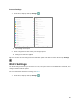
Access Sound Settings
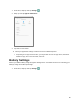
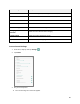
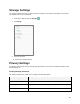
1. From home, swipe up and tap Settings .
2. Tap Sound.
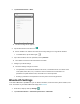
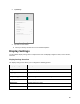
3. Set your sound options.
Your sound settings are saved and applied.