
User's Guide

87
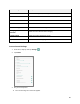
Auto-rotate screen
Set whether to allow the screen to rotate the display with the tablet
orientation, where applicable.
Font size
Set font size for display.
Display size
Make the items on your screen smaller or larger.
Screen saver
Set current screen saver and the start time.
Lock screen display
Set lock screen notification, message options.
Access Display Settings
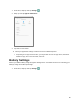
1. From home, swipe up and tap Settings .
2. Tap Display.
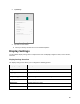
3. Set your display options.
Your display settings are saved and applied.
Sound Settings
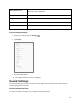
The sound settings menu lets you control your tablet’s audio, from notification sound, alarm sound to
screen locking and touch sounds.
Sound Settings Overview
The sound settings menu allows you to configure the following options: