
User's Guide

72
Check the Time
You can check the tablet any time on your tablet. The current time displays in the upper right corner of the
status bar. Many lock screens also display the time and provide options for how time is displayed.
Set the Date and Time
Your tablet automatically receives the current date and time from the wireless network. You can set the
date by hand by overriding the default setting.
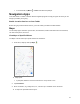
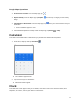
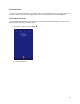
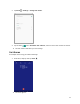
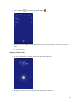
1. From home, swipe up and tap Clock .
The Clock appears.