
User's Guide

10
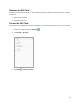
Remove an SD Card
Follow these instructions to remove an SD card. Always power the tablet off before inserting or removing
an SD card.
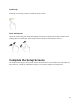
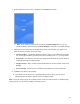
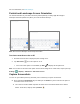
1. Open the SD card slot.
2. Remove the SD card.
Format an SD Card
When you insert an optional SD card for the first time, it is recommended that you format it on your tablet.
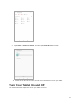
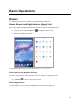
1. From home, swipe up and tap Settings .
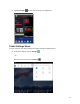
2. Tap Storage > SD Card.
3. Tap Menu > Storage settings.