
User's Guide

101
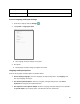
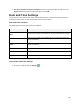
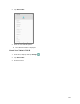
2. Tap System > Date & time.
3. Set available date and time options.
Your date and time settings are applied and saved.
Reset Options
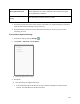
Your tablet’s Reset options menu lets you reset your tablet's Wi-Fi, Bluetooth, app preferences settings
or erase all data. The Factory data reset erases all data from the tablet’s application storage, including:
● Your Google Account
● System and app data and settings
● Downloaded apps
● Music
● Photos
● Other user data
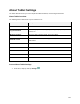
Reset Options Overview
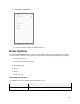
The following options are available in the Reset options menu:
Reset Options
Description
Reset Wi-Fi and Bluetooth
Reset all network settings, including Wi-Fi and Bluetooth.