All in One Printer User Manual
Manuals
Brands
Xerox Manuals
All in One Printer
WorkCentre Pro 555
281
282
283
284
285
286
287
288
289
290
WorkCe
ntre Pro 55
5/575
C-19
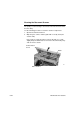
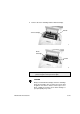
2.
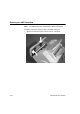
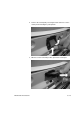
Remove th
e retard pad by
releasing
the lat
ch at th
e base
of the
retard pad and rotatin
g the pad up
wards.
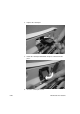
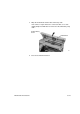
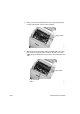
3.
When it is in the horizon
tal position
, pull out the retard pad.
1
...
...
281
282
283
284
285
...
...
327