All in One Printer User Manual
Manuals
Brands
Xerox Manuals
All in One Printer
WorkCentre Pro 555
271
272
273
274
275
276
277
278
279
280
WorkCe
ntre Pro 55
5/575
C-11
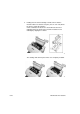
5.
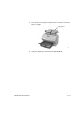
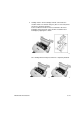
Press down on
the T
op Cover until a “C
lick” is
heard to ensu
re the
latch
es engage
.
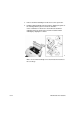
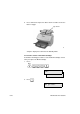
6.
V
erify th
e dis
play
has return
ed to the
S
tandb
y Mode
.
17
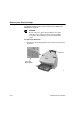
Top Cover
1
...
...
273
274
275
276
277
...
...
327