Printer/Fax/Scanner/Copier User Guide
Manuals
Brands
Xerox Manuals
All in One Printer
WorkCentre Pro 421
141
142
143
144
145
146
147
148
149
150
WorkCentre Pro 421 User Guide
5-29
Maintain
ing the Pr
oduct
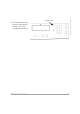
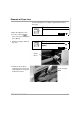
Press th
e [Features] k
ey to
return to th
e Ready
mode.
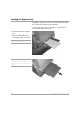
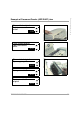
The tray is
now s
et up
correct
ly and r
eady t
o use.
Featur
es key
1
...
...
139
140
141
142
143
...
...
224