
User`s manual




ALIEN616 User’s Manual V2.0.5
67
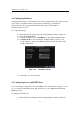
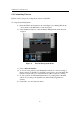
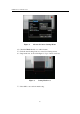
Figure 6. Patrol Configuration Menu
4. Click OK to return to Patrol Management menu and repeat steps
2-3 to configure other key points.
5. After all key points have been configured, click OK to save and
exit menu.
• Clear Patrol:
1. Select a valid Patrol Number.
2. Click the Clear button to delete patrol.
• Call Patrol:
1. Select a valid Patrol Number.
2. Click the Start button to call the patrol, select the stop button to
stop the patrol, as shown in Figure 7.
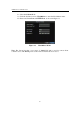
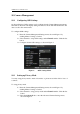
Figure 7. Patrol Management Menu