
User`s manual

ALIEN616 User’s Manual V2.0.5
25
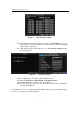
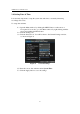
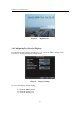
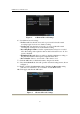
Figure 3. Digital Zoom
3.4 Configuring Live Preview Displays
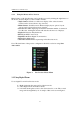
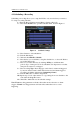
Live Preview displays can be customised to your own needs. These settings can be
accessed by entering the Display Settings menu.
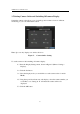
Figure 4. Display Settings
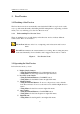
To access the Display Settings menu:
1. Click the MENU button.
2.
Click the Setting icon.
3. Click the Display icon.