
User manual


‐30‐
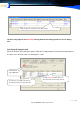
Search and play voice through the Web.
SoftwarerequirementsforinstallingWebServer>Win2000/2003/XP
Internet Information Service (IIS) version 6.0
Microsoft .NET Framework 2.0
Microsoft Data Access Components version 2.6 version or above
Notes: All these software must be installed. Not necessary if you are using Win 2003.
InstallingandConfiguringtheWebPlayersoftware
After successful installation of Recording software, do as follows:
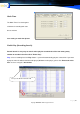
1. Select Add Components in Add and Delete programs in the Control Panel to add IIS Service Manager
(Do not install this if this component already exists).
2. Install dotnetfx.exe (Framework).
3. Install Mdac_typ.exe.
4. Double-click setup.exe start installing TRS-WEB. (The default port is 80).
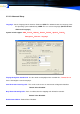
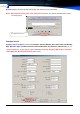
5. Enter C:\Inetput \wwwroot\TRS-WEB, open This folder Properties to Save option, choose &
ADD ASP.NET Machine Account (SYT\Aspnet) group
, change the all option is Allow
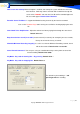
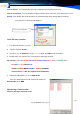
6. Setting the MDR folder ADD to ASP.NET Machine Account (SYT\Aspnet) group
, change the all
option is Allow
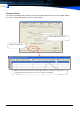
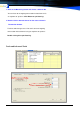
7. Right click on My Computer \ Management\Internet Information Service\Web Station\ Default Sta-
tion and click Create Virtue Directory. Install the software following the instructions of the software setup
wizard and install it in the MDR folder.