
User manual


‐28‐
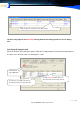
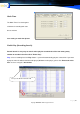
1. Click on the Monitoring button and choose a Channel No.
You can listen to an ongoing conversation in that Channel Via
an earphone or speakers. Click Return to quit listening.
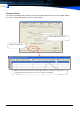
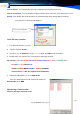
2. Double click the wanted channel on the status column in
The monitor window.
The blue color changes to red. You can listen to an ongoing
conversation in that Channel using an earphone or speakers.
Double click again to quit listening.
ToolsandAdvancedTools