
User manual


‐16‐
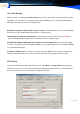
Setting with CAS
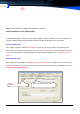
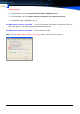
a. System\Database file setting\ Generals Information for Digital Recorder
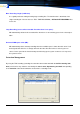
b. System\Database file setting\Open Channel to Telephone voice Recording System
c. Choose PBX Type is ZDR2000 & save it
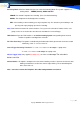
Use PBX Output info when record TRK: If the Out line Dial-No. Can’t shows accurately by TVRS, can
choose this Option use the PBX Output with Call Accounting System.
Use PBX Output info when record EXT: same for TRK this function
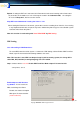
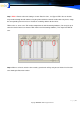
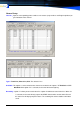
Step 2: Enter the CAS System \Database File Setting. Choose same the picture and Save.