
User manual

Page | 5 Copyright UltraDisk™ 2009 All rights reserved
Stop recording
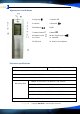
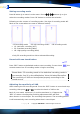
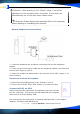
Repress “REC” button ⑥, record stops. Screen shows :
Recording Recording
in progress Stopped
Attention: When screen shows “FUL”, it indicates the disk is full
or the battery is low. Then some files should be deleted to keep
enough space to save new recording files & other PC files. If it is
low battery, please change the battery. The recorder can save 200
pieces of recording files.
Automatic section-break
After recording for full 4 hours, the recorder will automatically start a new file to
continue recording.
Play recorded files
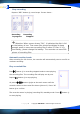
Press button ① in recording stopped mode to start playing
the recording files. The recording files will play one by one.
Repress
button ① to stop playing.
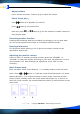
Or press
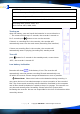
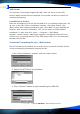
/ buttons ④⑤to at the main menu until the
recorder comes to the screen like above (picture 1). Press “M”
button ⑧ to confirm.
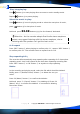
The recorder enters in playing (recording file) standby mode. Press
button ①
to start playing.