
Service manual

98
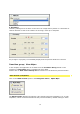
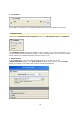
button to navigate to the folder that contains the required image or video file.
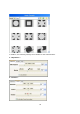
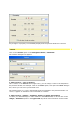
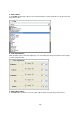
3. Geometry :
Any change in a property is immediately displayed in the preview window in real time.
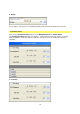
Filter
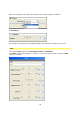
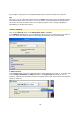
Click on the Filter option in the Navigation menu / Parameter.
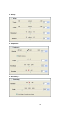
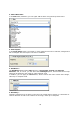
The Filter dialogue box appears; it contains a choice of numerous filters, select the Glim
effect, for example.