
Service manual

95
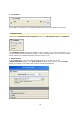
5. Iris Control :
Any change in a property is immediately displayed in the preview window in real time.
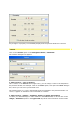
Customize mask
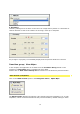
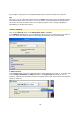
Click on the Customize mask (template) option in the Navigation menu / Parameter.
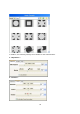
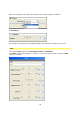
The Customize mask dialogue box appears: this is where you can import templates (e.g. a
circular template) into the preview window. Using the Folder button, you can access a folder
which contains pre-installed templates that are ready for use.
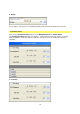
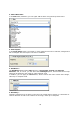
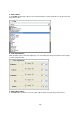
1. Select source:
In the Source field, select your desired template form, to do this click on the
Image/Animation option in the Type of fill drop-down menu and then use the Folder
button to navigate to the folder that contains the required template.