
Service manual




87
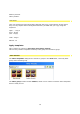
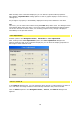
To select a Filter template, go to a Template folder (e.g. Filter group / Sparkle), where effect
templates are displayed. By double clicking on the effect of your choice, you will transfer it
into the preview window.
Own templates
You can also create and save your own templates:
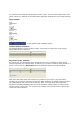
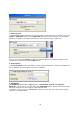
By clicking on two menus are available:
1. Menu Templates :
• Create group: creates a group for your own templates
• rename: renames a template group
• delete: deletes a template group
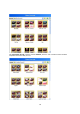
2. Menu Display :