
Service manual


77
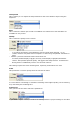
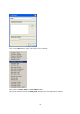
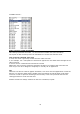
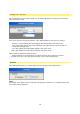
Under Category you will see the following options:
Select the Video A option, for example, this will be set as a Category.
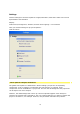
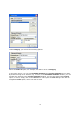
In the lower section, you can see Available elements and Current elements for an effect.
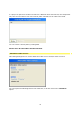
By double clicking on an element (e.g. Inverse) in the Available elements window, you can
transfer this element to the Current elements window. You are then offered the Inverse
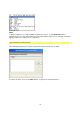
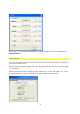
option, to check, simply click on the Test button. This opens the Test dialogue box with an
integrated Invert option, which can now be used.