
Service manual


73
Settings
General settings for the
Search path for images/animations, Alternative video sources and
Specialisation customisation
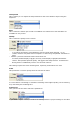
Display:
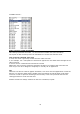
Video format, Background / borders, Duration and Language - User interface
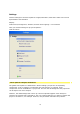
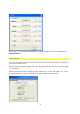
Here you will find settings for project templates :
Undo and Save
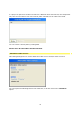
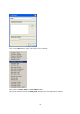
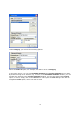
Search path for images/animations
The global search paths are defined here. When loading a project the corresponding
components, such as graphics or animations are searched for. In principle, these
components are not embedded in a project file. This has the advantage that the project file
can be kept much more compact.
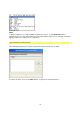
However, the disadvantage that comes up is that an uploaded graphic must always be
stored in the location that is pointed at. This can create problems if you want to transfer the
project to another PC, for example. However, this parameter eliminates the problem: