
Service manual



52
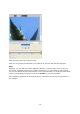
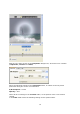
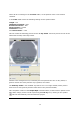
Now stop the preview by clicking on stop.
Now you can process the animation as a video clip in preview, with the help of Export.
Note:
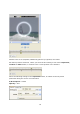
Naturally, you can shift Key frames within the Timeline, to do this place your mouse on a
Key frame, hold down the left mouse button and drag it to a new position in the Timeline.
You can also delete Key frames during the course of an animation, to do this place the slider
on the corresponding Key frame and press the Delete key on your keyboard.
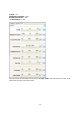
This completes application of the Sparkle filter in connection with the use of Key frames in
the Timeline.