
Service manual


49
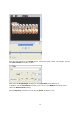
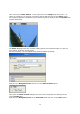
Now stop the preview by clicking on stop. Leave the beginning Key frame with its current
settings (see preview or current controller position). Next, move the slider to a new position
during the course of an animation. No new Key frames will be placed, unless you enter the
first setting in the Sparkle dialogue box, in relation to the current position in the Timeline.
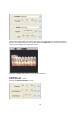
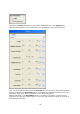
Now alter the following settings using the controller:
Glow-Intensity = 70%
Spot-Intensity = 0%
Orientation = 60%
and reduce flicker = 54%
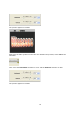
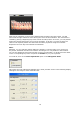
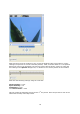
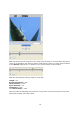
This will create the following preview for the 2
nd
Key frame. Start the preview to look at the
effect with the help of the Play button.