
Service manual


48
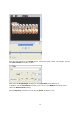
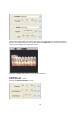
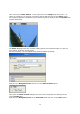
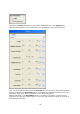
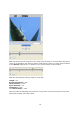
This opens the Filter dialogue box with various settings for the active Sparkle filter
(without filter templates, since a template is already applied in the preview window).
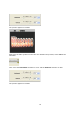
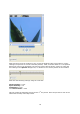
Here you can modify the settings for the Sparkle filter, but first go to the preview window
and check whether the Keyframes option is activated (key points during the course of an
animation, which have various properties at pre-determined times).
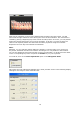
Without activation of the Keyframes option no changes in the effect, in relation to the
progress of an animation, will be shown. In this case, the settings will apply to all points in
time during an animation.