
Service manual


37
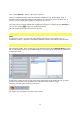
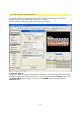
After saving the effect, the desired background (image or clip) will no longer be visible in the
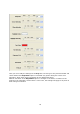
preview window. To import our previously created image, go to the Navigation Menu in the
Source field and click on the Video A option.
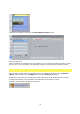
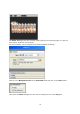
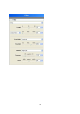
This opens the Video A dialogue box. In the Source field click on the Type of fill option,
this opens a drop-down menu; select the Image / animation option. Then click on the
Folder button - to the right next to the Image drop-down menu - to select our image file,
for example, and import the file with the help of the Image option. The format 720x576
Pixel RGB + Alpha is displayed within the details of the graphics used.
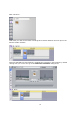
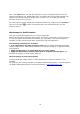
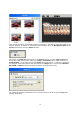
The image file appears immediately in the Vitascene preview window (with the Ray filter
already integrated).