
Service manual


32
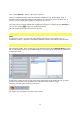
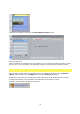
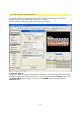
Vitascene is started by clicking on the Edit Vitascene Filter button.
Vitascene will start.
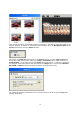
When all settings in Vitascene have been applied, you can return to Pinnacle Studio by using
the F12 Key on your keyboard. The Vitascene project is inserted into the Studio Timeline.
Pinnacle Studio / Plugin as video transition
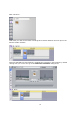
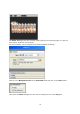
Start Pinnacle Studio and place two video clips in the Timeline. Now go to the Transition
library, which contains the proDAD folder with the Vitascene Transition.
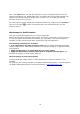
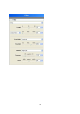
A faded lock symbol in front of the plugin name indicates that the plugin has not yet been
activated (purchased) and calculations are indicated in test mode by a logo.
Activation will take place online by clicking on: