
Service manual


28
Sony Vegas / Plugin as video transition
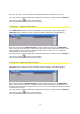
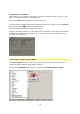
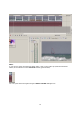
Start Sony Vegas and place two video clips in the Timeline, superimpose them (i.e. arrange
the two clips in the Timeline so that they overlap).
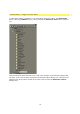
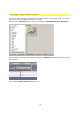
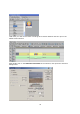
Now go to the Transition folder, where you will find the proDAD Vitascene Transition.
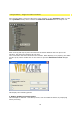
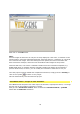
Now hold down your left mouse button and drag the Default Transition between the clips in
the Timeline.
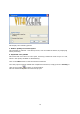
This starts the Video Event FX dialogue box.