
Service manual


25
2. Expanded color palette
This makes full use of the YUV color space, achieving a maximum level of up to 1.0 volt,
which is the quality standard for broadcasting.
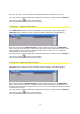
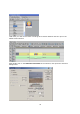
Click on the Edit button to start the Vitascene software.
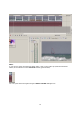
Once the project has been edited and completed in Vitascene, simply press the F12 key or
click on the symbol to return to Canopus Edius.
This will automatically save the Vitascene project.
Using the Canopus-Inspector you can obtain more information on the Vitascene transition
(including for example its start position, its end position as well as the duration of the
transition in the Timeline).
Sony Vegas / Plugin as video effect
Start Sony Vegas and place a video clip, for example, in the Timeline and select it to
identify the video image for previewing in Vitascene.
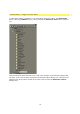
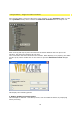
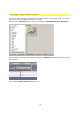
Next go to the VideoFX folder, where you will find the proDAD Vitascene Filter.