
Service manual


23
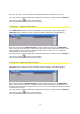
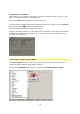
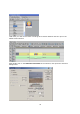
This displays the following options:
1. Reduce quality to increase speed
This attempts to maintain a real-time preview, even for elaborate effects, by employing
faster processing.
2. Expanded color palette
This makes full use of the YUV color space, achieving a maximum level of up to 1.0 volt,
which is the quality standard for broadcasting.
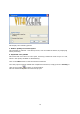
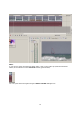
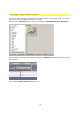
Click on the Edit button to start the Vitascene software.
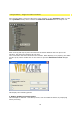
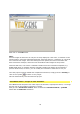
Once the project has been edited and completed in Vitascene, simply press the F12 key or
click on the symbol to return to Canopus Edius.
This will automatically save the Vitascene project.