
Service manual




160
Iris
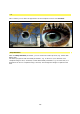
This is where you can alter the appearance of the template in terms of its Position.
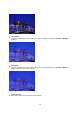
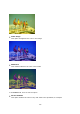
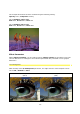
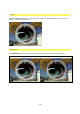
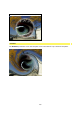
Iris (20%) Iris (60%)
swap direction
With the swap direction parameter, you can reverse the effect process (e.g. visible with
Effect #47).
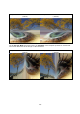
The effect progresses with activated parameters, e.g. as Zoom In (in a direction from
complete image to zero, centered) or with deactivated parameters e.g. as Zoom Out (in a
direction from zero to complete image, centred). The background image is replaced each
time.