
Service manual




144
•
Composite
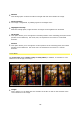
This is a type of combination of background and ray effect.
Depending on its identity, the composite is created in a positive or negative slider
direction using the luminance or alpha value. To ensure that both options are always
available, the slider can be moved in a negative direction for the second option.
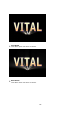
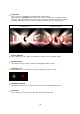
Composite 0% Composite 100%
•
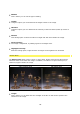
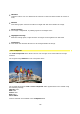
Scene-Intensity
This is where you can control the brightness intensity of the original image.
•
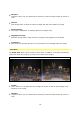
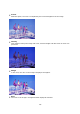
Glow-Intensity
This allows the rays of light created to be highlighted with a glow.
•
Highlight Color
This is where you can decide on a color to brighten up the ray effect.
•
Highlight Intensity
This option enables you to set the strength of the selected brightening color.
•
Tint Color
This is where you can choose a color with which to tint the rays.