
Service manual


107
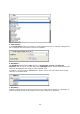
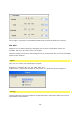
1. Customize effect:
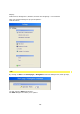
This is where you can access the Filter-Presets dialogue box via the Customize effect
option.
The Root folder contains numerous effect templates (filters as well as transitions).
Application of the Filter-Presets is described later in the tutorial.
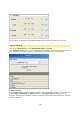
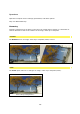
2. New project :
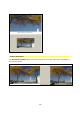
Click on the New project option to re-open the Filter-Presets dialogue box, which
contains numerous effect templates (filters as well as transitions), which you can use and
modify.