
Service manual


105
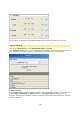
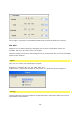
Any change in a property is immediately displayed in the preview window in real time.
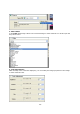
See also
Whatever you do when inputting or designing, this is where continuative actions are
available, which can be useful at the current time.
Vitascene simply tries to move interesting actions for each position into your focus and helps
further in this situation.
Export
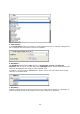
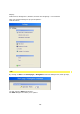
Here you can choose your desired type of export:
Animation = Animation file (e.g. AVI, MPG, WAV, etc.)
Single frames = Export into an index of one picture or a continuous picture sequence
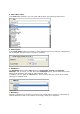
Settings
General settings for the
Search path for images/animations, Alternative video sources and
Specialization customization