
Service manual

100
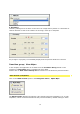
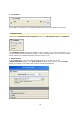
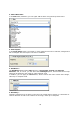
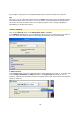
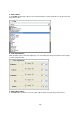
2. Select filter:
In the Filter field assign a filter to the selected image or video material. To do this open the
drop-down menu.
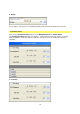
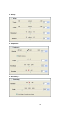
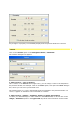
3. Color Adjustment:
With the help of the controller displayed, you can modify the image properties of the image
or video material used.
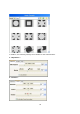
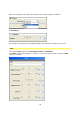
4. Select Blur effect:
In the Blur field (fuzziness) you can again add an effect using the drop-down menu.