
User's Manual




16
Start
1. Plug in the power adapter and verify the Power & Ethernet LEDs are light.
2. To configure the router, open your browser, type 'http://192.168.10.1' into the address bar
3. At the Password prompt, the User name is 'admin' and password is admin. Enter default
username and password and press “Login”
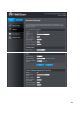
Network Status
Show your network status