
Wireless Router User Guide
Topcom Wireless Kit 108Mbps 17
Topcom Wireless Kit 108Mbps
ENGLISH
7 Other settings
For other settings, please go to the full userguide on the provided CD.
8 Firmware update
When a new firmware is released, it will be published on the Topcom website
(www.topcom.net
) in the support Î downloads section.
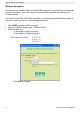
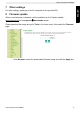
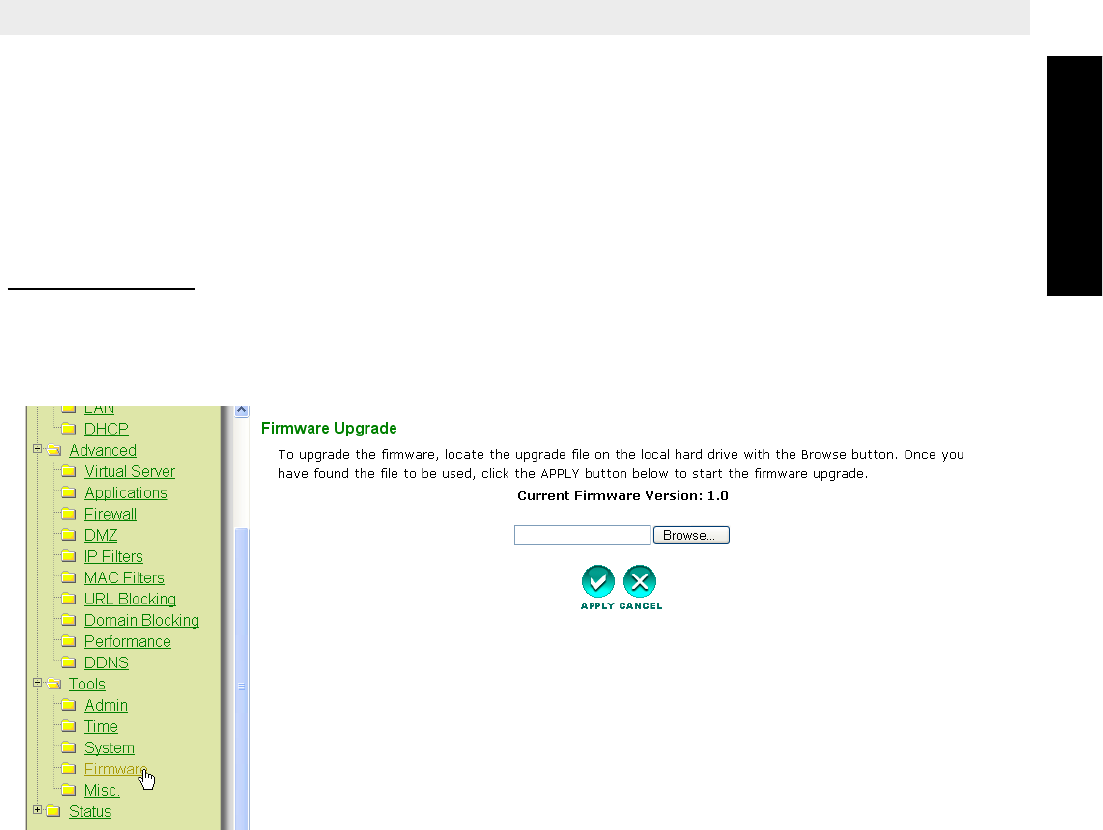
Please download the image and go to Tools in the router menu. Now select the Firmware
page.
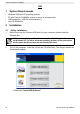
– Click Browse to select the downloaded firmware image and click the Apply key.