
Operating Instructions and Installation Instructions

Chapter 4
Internet Connection Troubleshooting
28
E-DOC-CTC-20051017-0035 v1.0
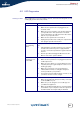
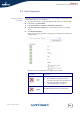
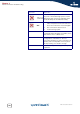
You can find a comprehensive LED overview in the SpeedTouch™ User’s Guide.
Red Internet LED
or No Internet LED
There was an authentication failure. This will usually
present itself as an error message regarding an
incorrect password.
Check whether your user name is correct. For
ADSL connections, the user name is normally in
the form of username@ISP.
Check whether your password is correctly
entered. The password is case sensitive.
If you continue to get password failures, contact your
ISP.
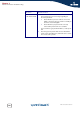
The wrong service profile was selected. Restart the
setup of your SpeedTouch™, and make sure to select
the correct service profile.
LED status Possible solutions