
User's Manual


22
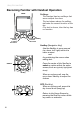
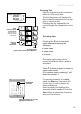
Using the Handset
Handset Screen Icons
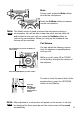
As you move from screen to screen, the icons at the top of the screen change
and display important information:
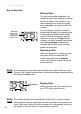
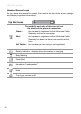
Top Bar Icons
Login Menu
The visibility and color of this icon tell you
the status of the phone’s connection
Green : the handset is registered to the Advanced Cable
Gateway and has a connection
Red : the handset is registered to the Advanced Cable
Gateway but does not have a connection at this
time
Not Visible : the handset you are using is not registered
Battery Indicator : displays when the battery is charging.
Busy/Waiting
Email Alert
Handsfree “Loudspeaker”
Mute
The ringer volume is off.