
Datasheet




D810R ADSL2+ Router User Guide
3.3 Logging in to the Router
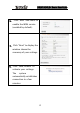
1. Open the web browser,
and enter
“http://192.168.1.1
” in
the address field, and
then press Enter.
2.In the pop-up login
window, enter the user
name (“admin”) and
password (“admin”),
and click “OK” (both
user name and
password are “admin”
by default).
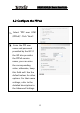
3.If the user name and
password entered are
correct, the browser
displays the
administrator window
shown right.
9