
Corporation Wi PATHTM SX7T Terminal and SX7M Modem User Guide
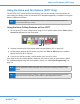
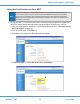
Status LEDs
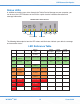
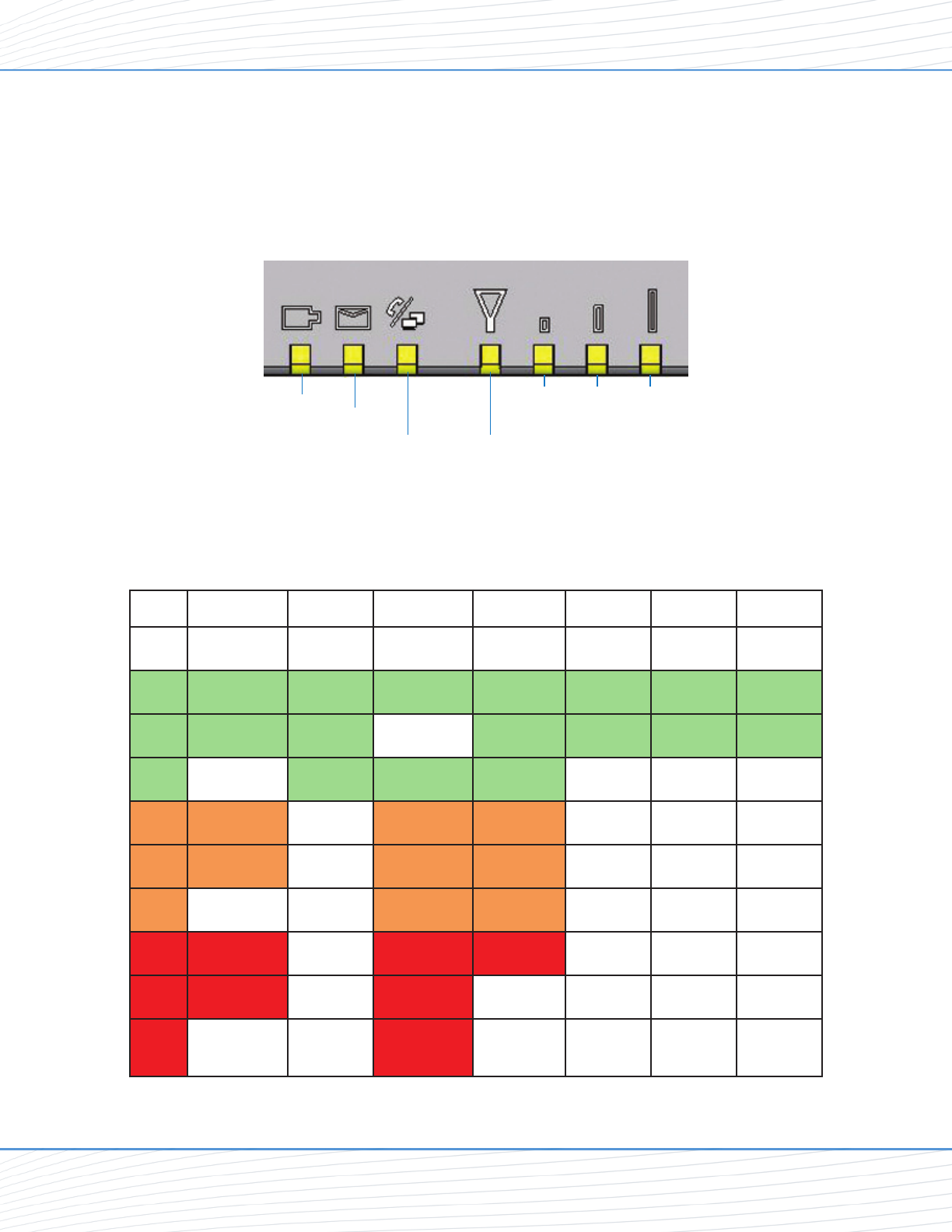
In addition to checking your status through the Telular Device Manager on your computer, you
can also use the LED indicators on the unit for a quick check of valuable connection and
coverage information.
The following table explains how the LED colors and blink rates indicate your device’s coverage
and connection status.
LED Reference Table
Power Messaging
Phone /
Fax
Service
Signal
Strength 1
Signal
Strength 2
Signal
Strength 3
Off
No Messages
On Hook /
No WAN
Solid
AC / Batt
Normal
Voicemail On-Hook / WAN Service / 2G 1 Bar 2 Bars 3 Bars
Slow
Batt Only SMS Service / 2.5 G 1 Bar 1 Bar 2 Bars
Fast
Both
On-Hook /
WAN Tx
Service / 3G
Solid
AC / Battt
Charging
Off-Hook / WAN Roam / 2G
Slow
Low Batt
Off-Hook /
No WAN
Roam / 2.5G
Fast
Off-Hook /
WAN Tx
Roam / 3G
Solid
Batt fault Off-Hook / WAN No Service
Slow
Batt crit
Off-Hook /
No WAN
Fast
Off-Hook /
WAN Tx
WiPATH SX7T LED Indicators
Power
Messaging
Phone/Fax/Data Service/SIM
Signal
Strength
1
Signal
Strength
2
Signal
Strength
3
USB Connection Option
Wi PATH
TM
SX7 12 User Guide