
Scanner Programmer's Guide
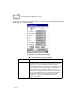
Table Of Contents
- Cover
- About This Guide
- Chapter 1 Getting Started
- Chapter 2 Hardware Setup
- Chapter 3 Software Installation
- Chapter 4 Operating the SPS 3000
- Chapter 5 Developing Applications for the SPS 3000
- Chapter 6 Maintenance, Troubleshooting, and Technical Specifications
- Appendix A Resetting the iPAQ
- Appendix B Registry Keys
- Index
4-22
SPS 3000 Series Programmer’s Guide
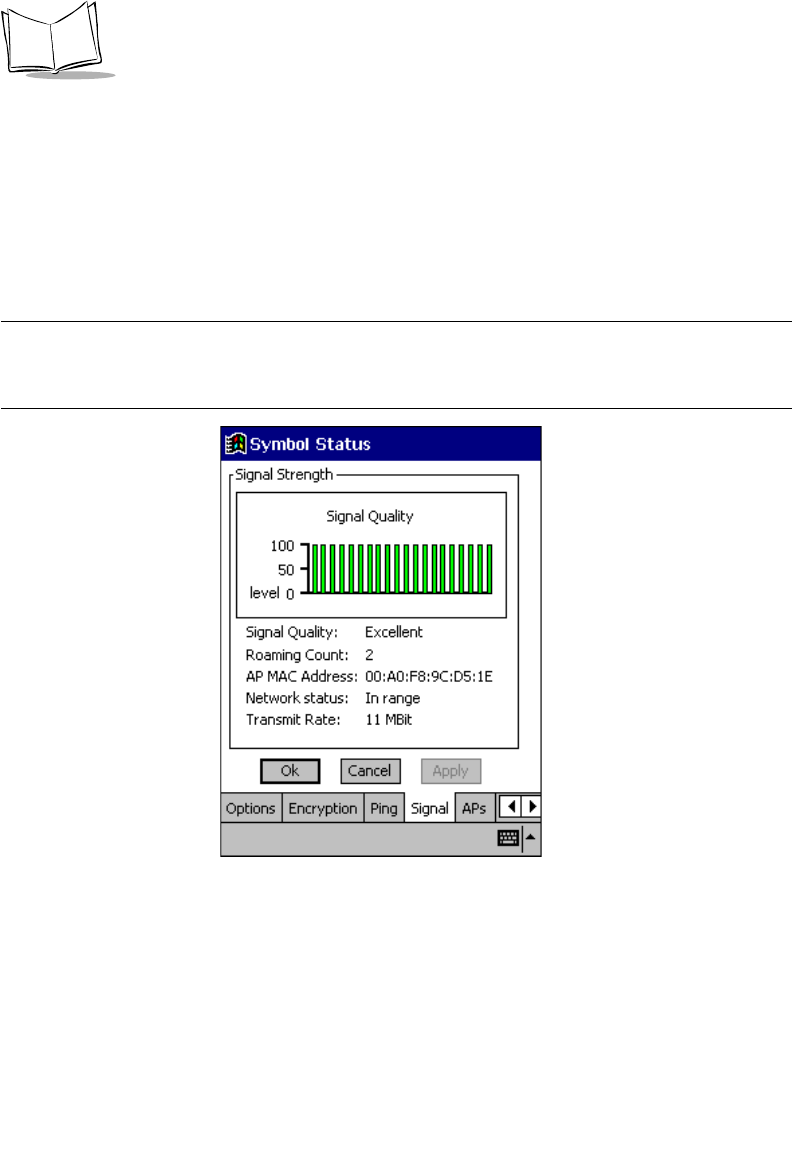
Signal Property Page
Use the Signal property page to view radio signal transmission strength from the adapter
to the associated access point. Signal quality is an indicator of how clearly the adapter can
hear the access point.
Use the Signal property page to display a real-time graph of the signal quality received by
the adapter, the number of times the adapter has roamed between APs, the current data
rate and the network in-range status.
Note:The Signal property page is not accessible if Ad Hoc or Enhanced
Ad Hoc is selected as the operating mode in the Mode property
page.
Figure 4-13. Signal Property Page