
Scanner Programmer's Guide
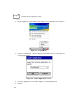
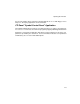
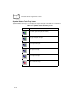
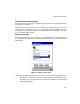
Table Of Contents
- Cover
- About This Guide
- Chapter 1 Getting Started
- Chapter 2 Hardware Setup
- Chapter 3 Software Installation
- Chapter 4 Operating the SPS 3000
- Chapter 5 Developing Applications for the SPS 3000
- Chapter 6 Maintenance, Troubleshooting, and Technical Specifications
- Appendix A Resetting the iPAQ
- Appendix B Registry Keys
- Index
4-4
SPS 3000 Series Programmer’s Guide
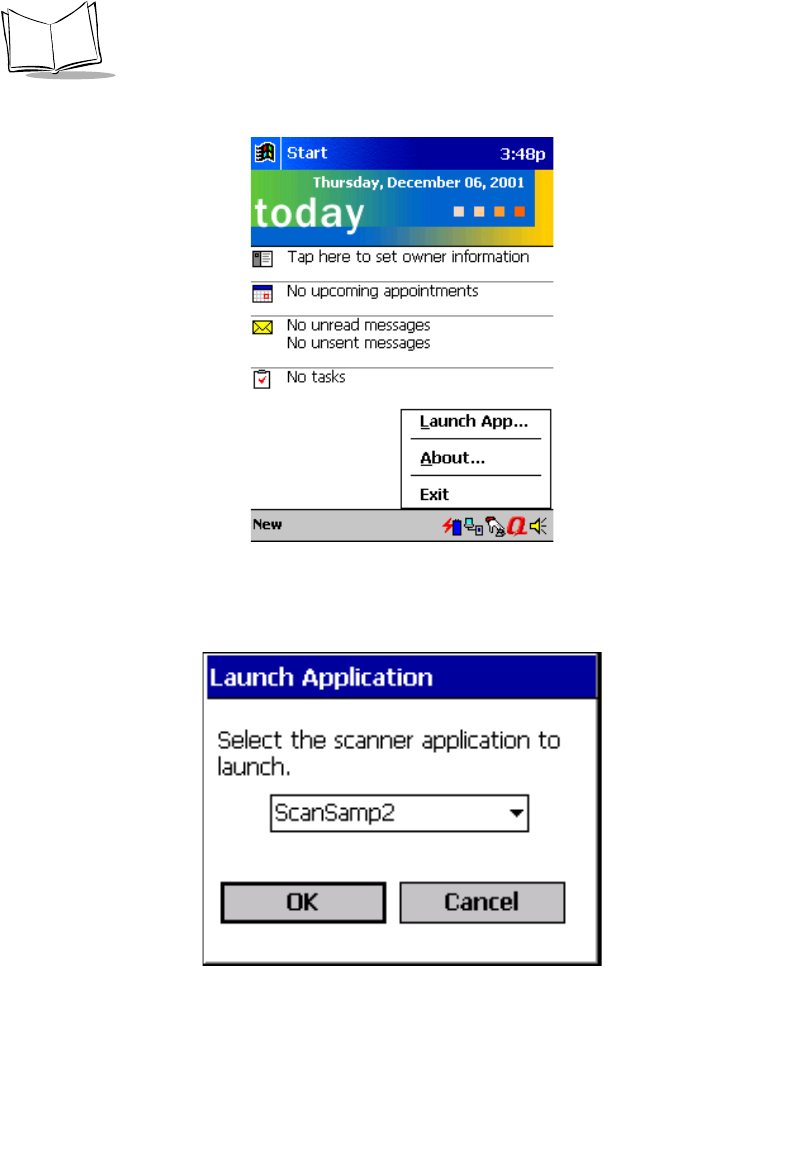
2. Tap the Trigger icon on the bottom of the Today screen to display the pop-up menu.
Figure 4-3. Pop-up Menu
3. Select the Launch App… option to display a dialog with a list box of all registered
scanning applications.
Figure 4-4. Launch Application Screen
4. Select the application you would like Trigger to automatically launch.
5. Tap OK.