
User's Manual




12/7/2004 Page 9
With the PSI low point “highlighted” then depress the right arrow key to reach the PSI
value field. Then change the PSI value field by depressing the up/down arrow keys for
increments or decrements to the PSI value desired.
To change the PSI high point use the down arrow key to highlight the PSI high point line.
Then depress the right arrow key to reach the PSI value field. Then change the PSI value
field by depressing the up/down arrow keys for increments or decrements to the PSI
value desired.
Configuration – Display option
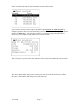
With the Display line highlighted depress the ENTER key and the following screen will
appear.
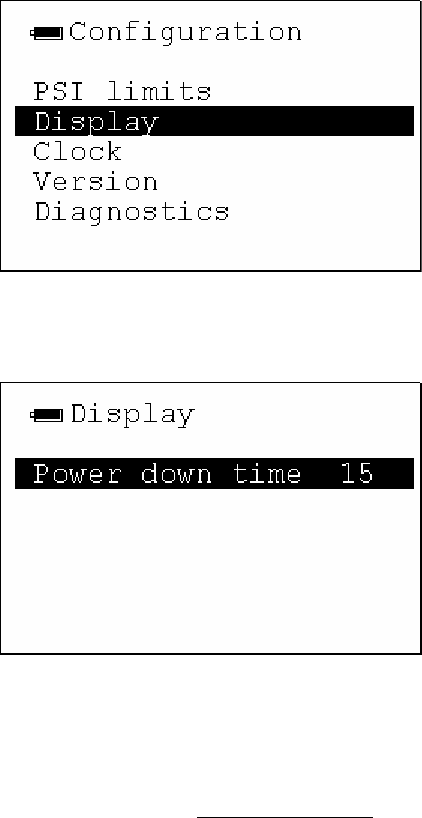
With Power down time highlighted depress the right arrow key to reach the down time
value field. To change the Power Down time field use the up/down arrow keys to
increment or decrement to the Power Down time setting.
The user can set the power down timer via the Display option as shown on the following
screen. The user can set the time in minute increments i.e., 03= 3 minutes, 05= 5
minutes, etc.) To conserve battery life it is recommended that the user set the reader at
some low value.
Note: It is very easy and quick to wake up the Handheld reader and use it again with
just the touch of any key on the handheld.
Configuration – Clock Option