
Network Function Operating Instructions

48
3 Sending an invitation card (email)
Select the addressee to send the invitation card (email) to.
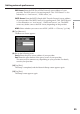
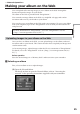
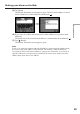
(1) Tap [Invitation].
The Album: Invitation screen appears.
,
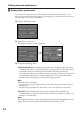
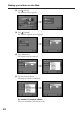
(2) Tap [To].
The address list appears. The list shows the destination addresses that are
registered in the address book. For details on the address book, see “Using the
address book” (p. 69).
,
When you have selected the address listed in the address book, go to step 6.
Tips
•The last-used address is listed next to New.
•Addresses are listed in historical order.
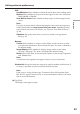
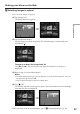
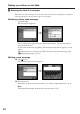
(3) Tap [ New].
The character input screen appears.
,
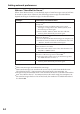
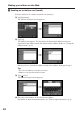
(4) Enter the email address of the destination address.
For details on how to input characters, see “How to input characters” (p. 9).
Making your album on the Web