
Operation Manual


65
You may need to touch the screen to
scroll through additional menu options
as not all items can be displayed in one
screen.
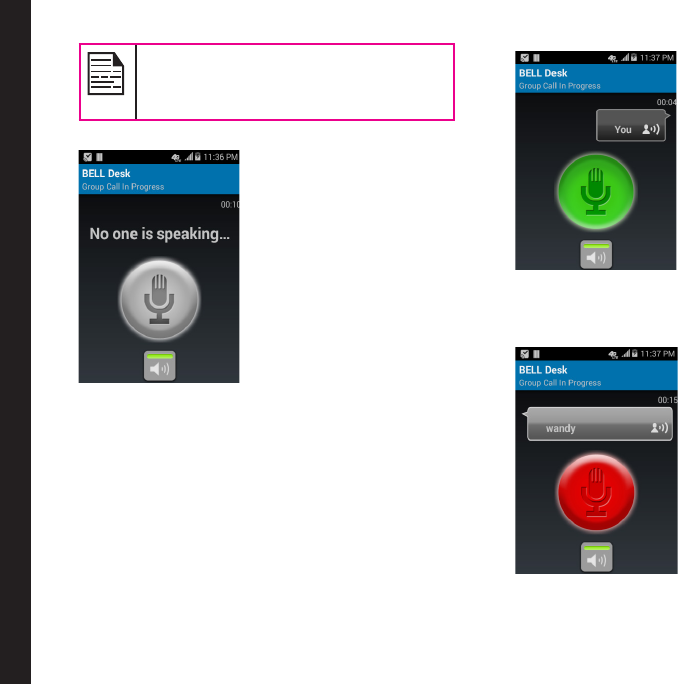
3. An on-screen EPTT call button appears.
4. Press and hold the EPTT button or press and hold
the on-screen button. Start speaking after you hear
the chirp. All the available group members receive
the call.
5. Press the Menu key and tap on End call option to
end the call.
Making EPTT Calls to Individuals and Groups