
User's Manual Part 2





Adding and Editing VPN Sites using Safe@Office 110 and 225
230 Check Point Safe@Office User Guide
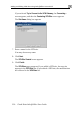
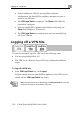
y to Connect to the VPN Gateway, the Connecting… If you selected Tr
screen appears, and then the Contacting VPN Site screen appears.
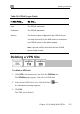
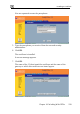
The Site Name dialog box appears.
7. Enter a name for the VPN site.
ame.
s.
s
You may choose any n
8. Click Next.
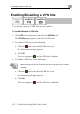
The VPN Site Created screen appear
9. Click Finish.
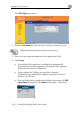
The VPN Sites page reappears. If you added a VPN site, the new site
appears in the VPN Sites list. If you edited a VPN site, the modification
are reflected in the VPN Sites list.