
User's Manual Part 2






Adding and Editing VPN Sites using Safe@Office 110 and 225
Chapter 10: Working With VPNs 229
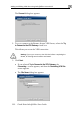
The PPPoE Login page appears.
3. Complete the fields using the information in the table below.
ars.
4. Click Next.
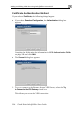
The Connect dialog box appe
5. If you don’t want to try to connect to the VPN site, clear the Try to
Connect to the VPN Gateway check box.
This allows you to test the VPN connection.
Warning
wizard, all existing tunnels will be terminated.
: If you try to connect to the VPN site before completing the
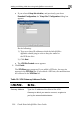
6. Click Next.