
User's Manual Part 2






Adding and Editing VPN Sites using Safe@Office 110 and 225
222 Check Point Safe@Office User Guide
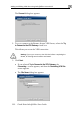
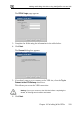
The Connect dialog box appears.
2. To try to connect to the Remote Acces
to Connect to the VPN Gateway check
s VPN Server, select the Try
box.
This allows you to test the VPN connection.
Warning: If you try to connect to the VPN site before completing the
wizard, all existing tunnels will be terminated.
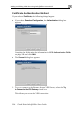
• The Site Name dialog box appears.
3. Click Next.
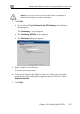
• If you selected Try to Connect to the VPN Gateway, the
Connecting… screen appears, and then the Contacting VPN Site
screen appears.